The weekly report
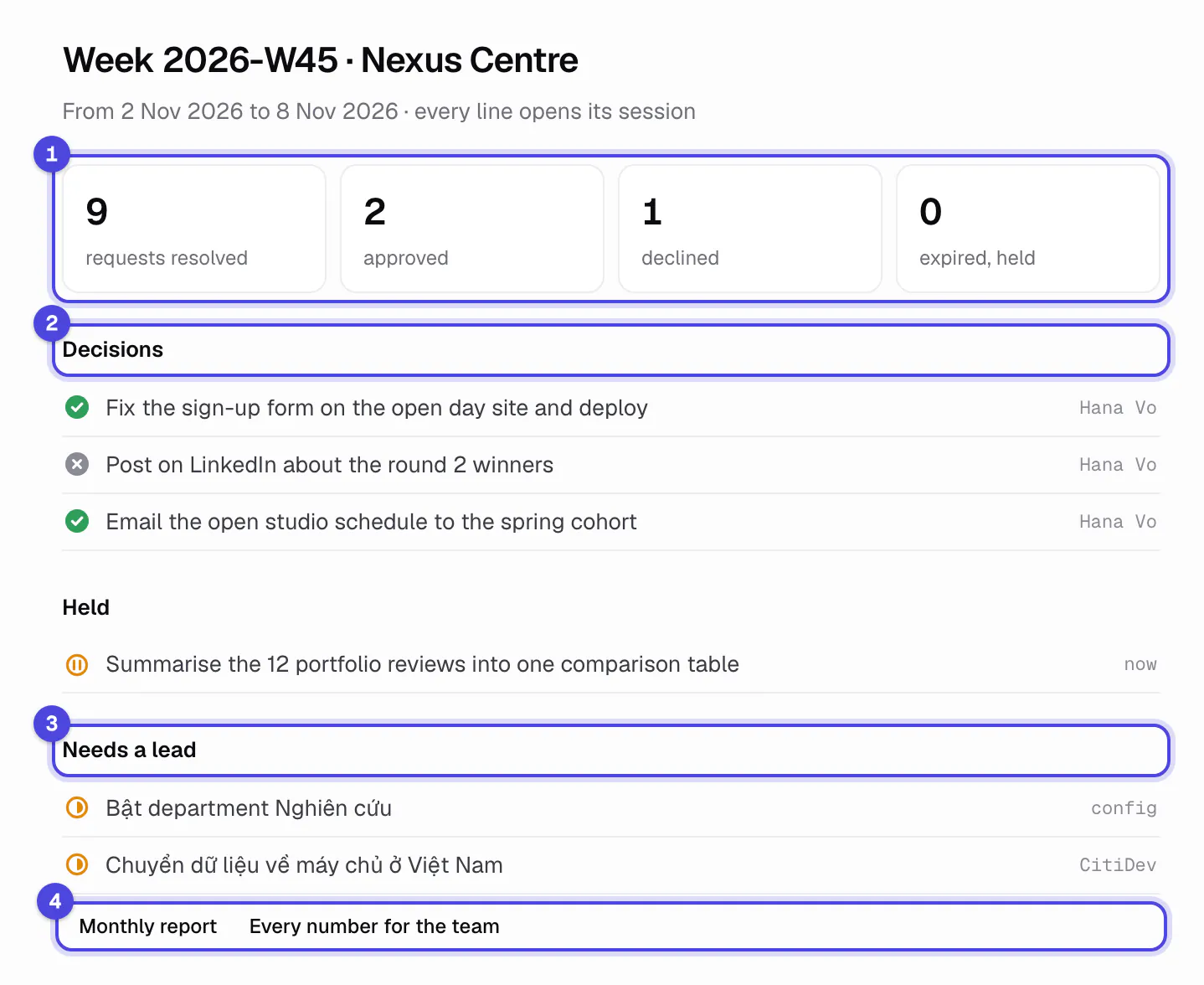
"Weekly report", in the Lead view, covers this week: requests resolved, approved, declined, and expired and held. Then the decisions with who made them, the requests held, and what needs a lead. Every line opens its session. At the foot, "Monthly report" and "Every number for the team".
Reports
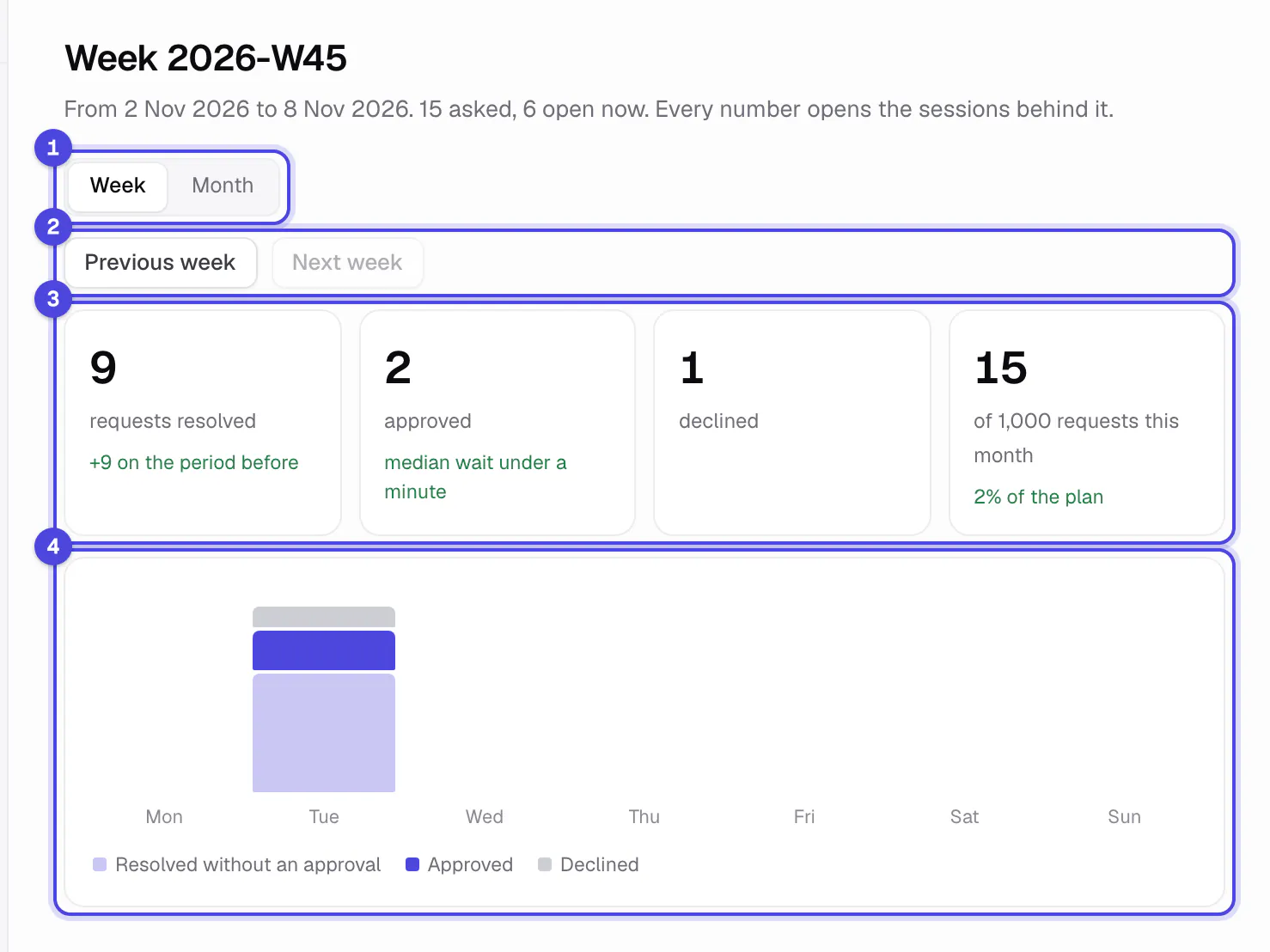
Reports, in the Team view, shows a week or a month, with Previous and Next:
- requests resolved, against the period before; approved, with the median wait; declined; expired and held; the plan's requests used this month;
- a chart by day of what was resolved without an approval, approved and declined;
- time to resolve: the median, the 90th percentile, and the share resolved the same day;
- by department, by person, approvals by person, and what shipped.
The monthly report
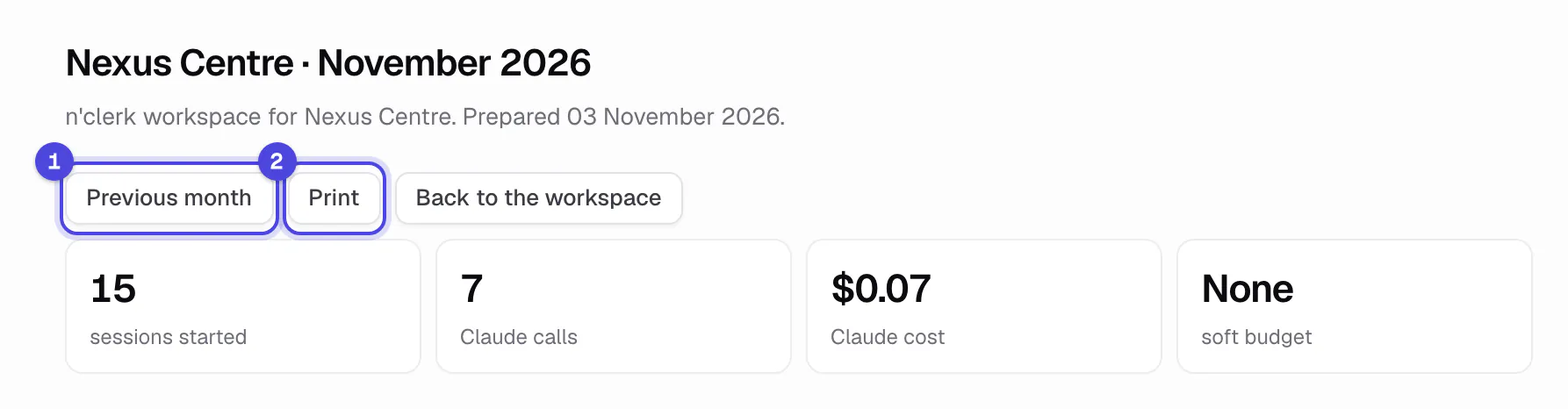
The printable monthly report, at nclerk.com/r/ followed by your workspace, shows a month's AI usage and sessions. It is read only, and "Print" prints it. Earlier months are there too.
Something here does not match what you see? Tell your CitiDev contact.