Cohorts, classes, certificates.
Run your school's admissions from one place.
Agents prepare. Someone on your staff signs off.
Training CenterAdmissions, classes, events and the websiteOpen
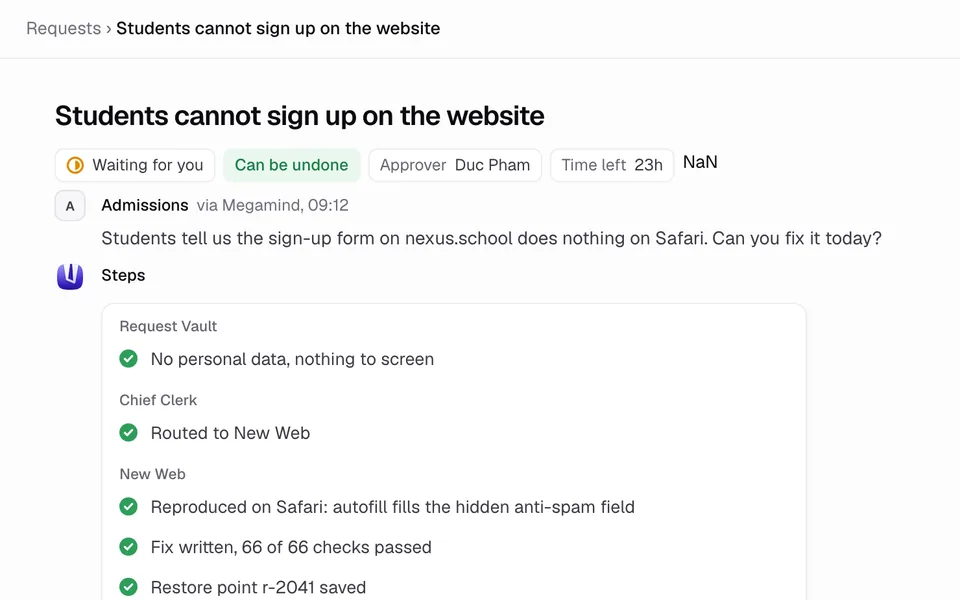
n'clerk puts AI agents to work in the software your organisation already runs. They draft, fix and ship. You approve in one tap. Every step stays on record.
Assistants connect to the apps everyone uses. n'clerk puts agents to work in the ones only you have, even with no API.
Office suites, CRMs and developer tools. Ready-made, the same for everyone.
Internal systems, custom tools, your own sites. Each connection is built for your system and your rules.
For teams with software nobody else connects to, and a person who answers for it. Pick yours and open its template, on example data.
Agents prepare. Someone on your staff signs off.
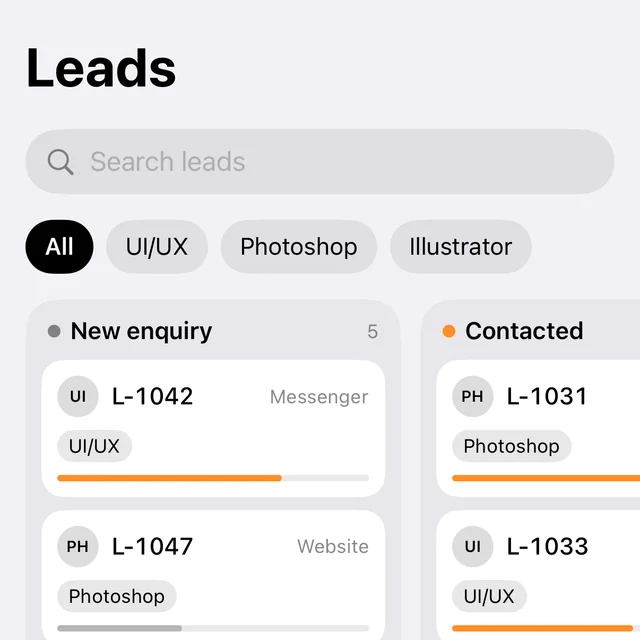
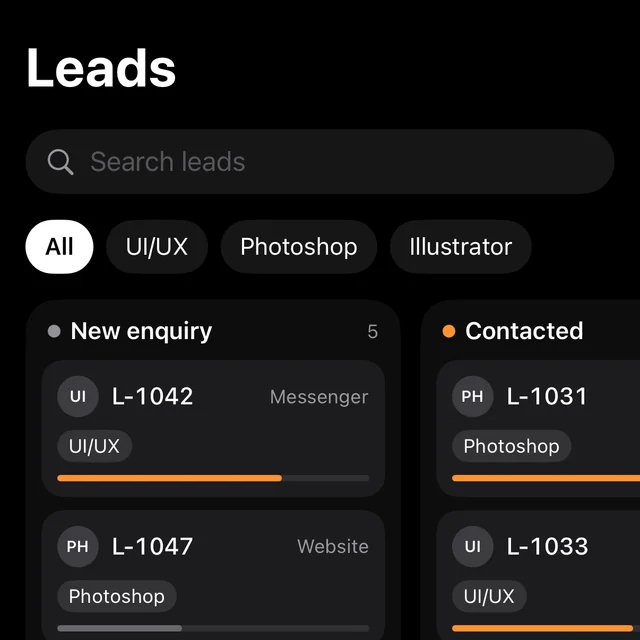 Get startedLeads in one listEvery enquiry from Messenger and the website, in one place.
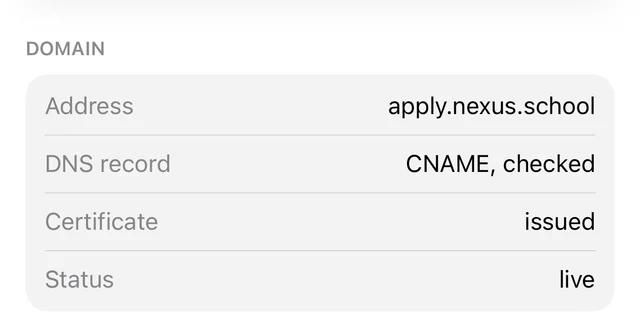
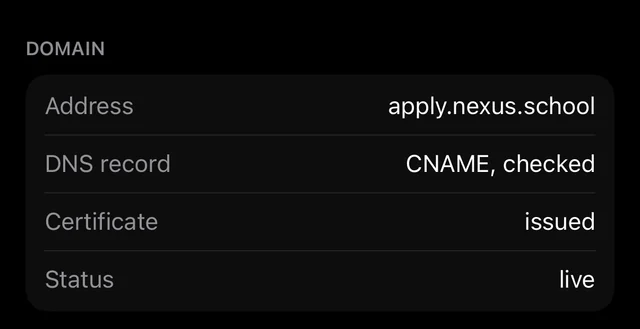 Your appsYour sites, on your domainThe address, the certificate and who can change what.
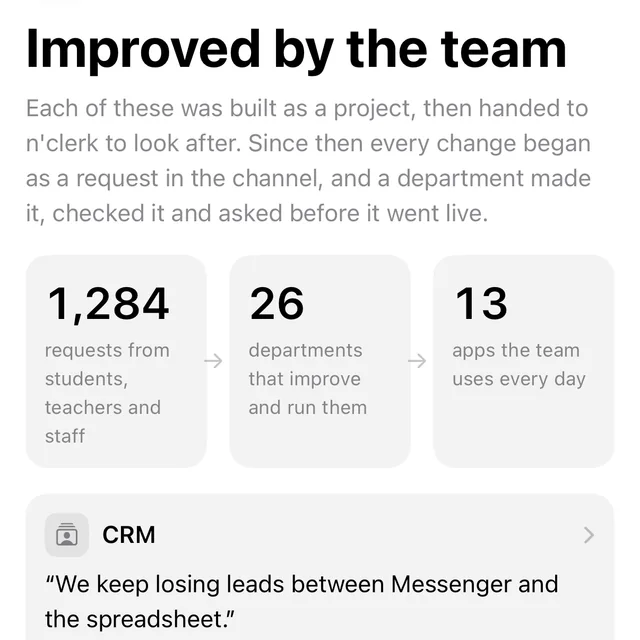
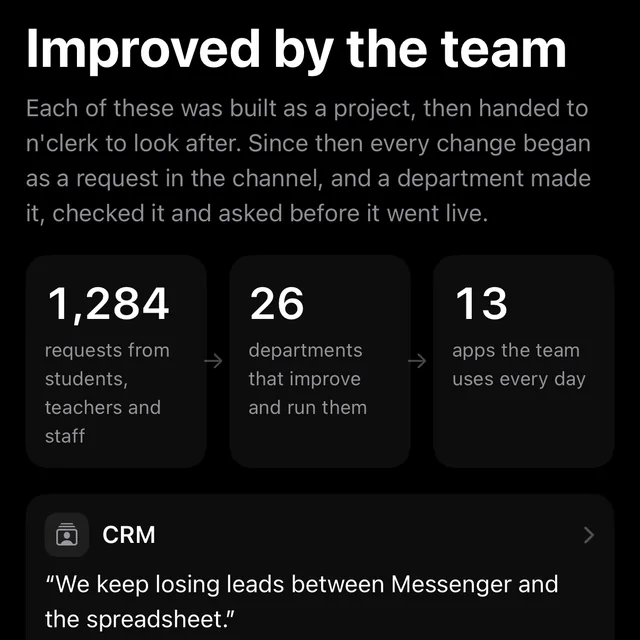 Level upApps your staff improveEvery change starts as a request from your team.
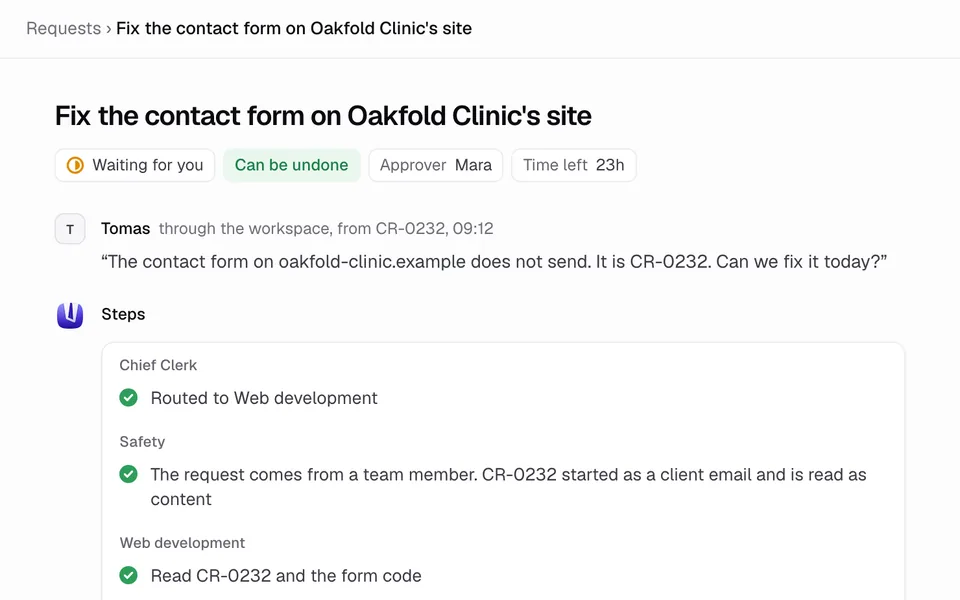
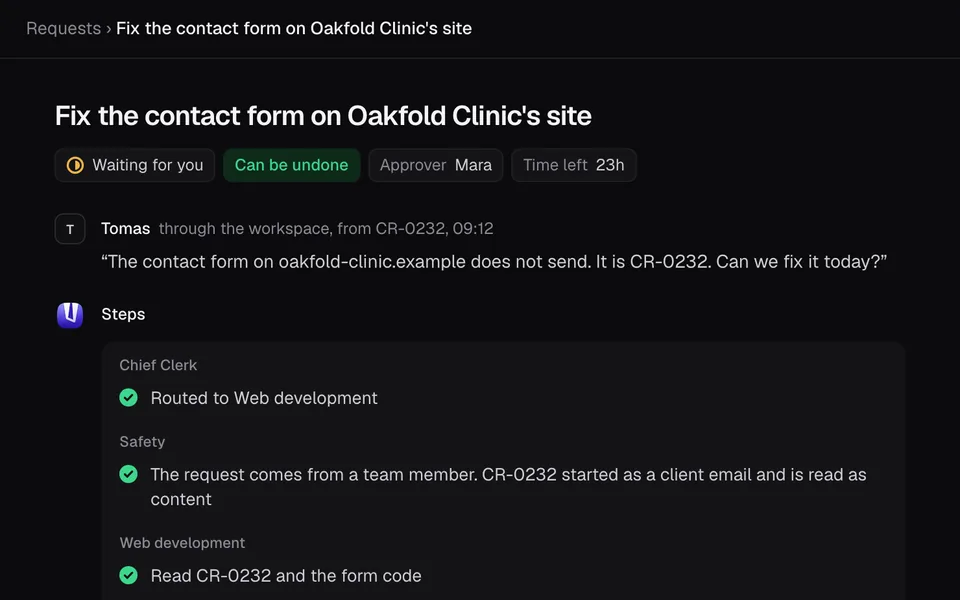
Every change to an end client's site goes to the right person.
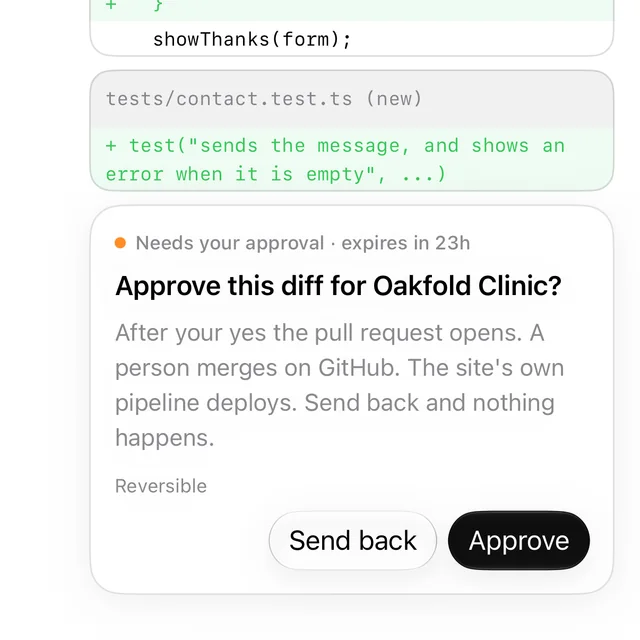
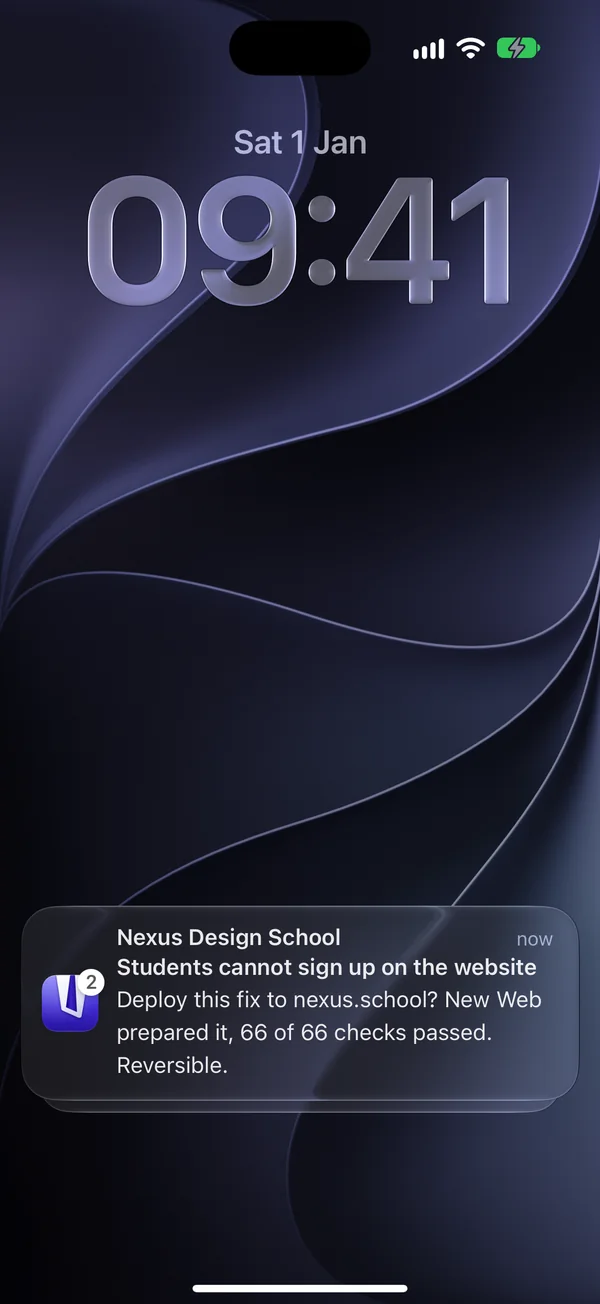
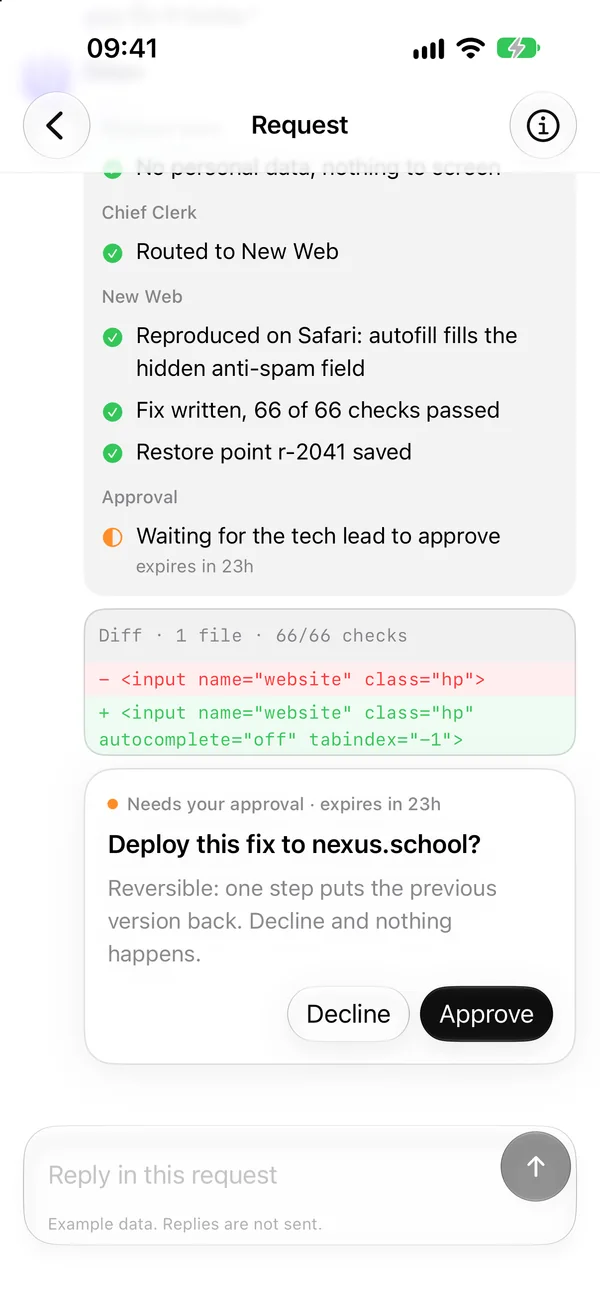
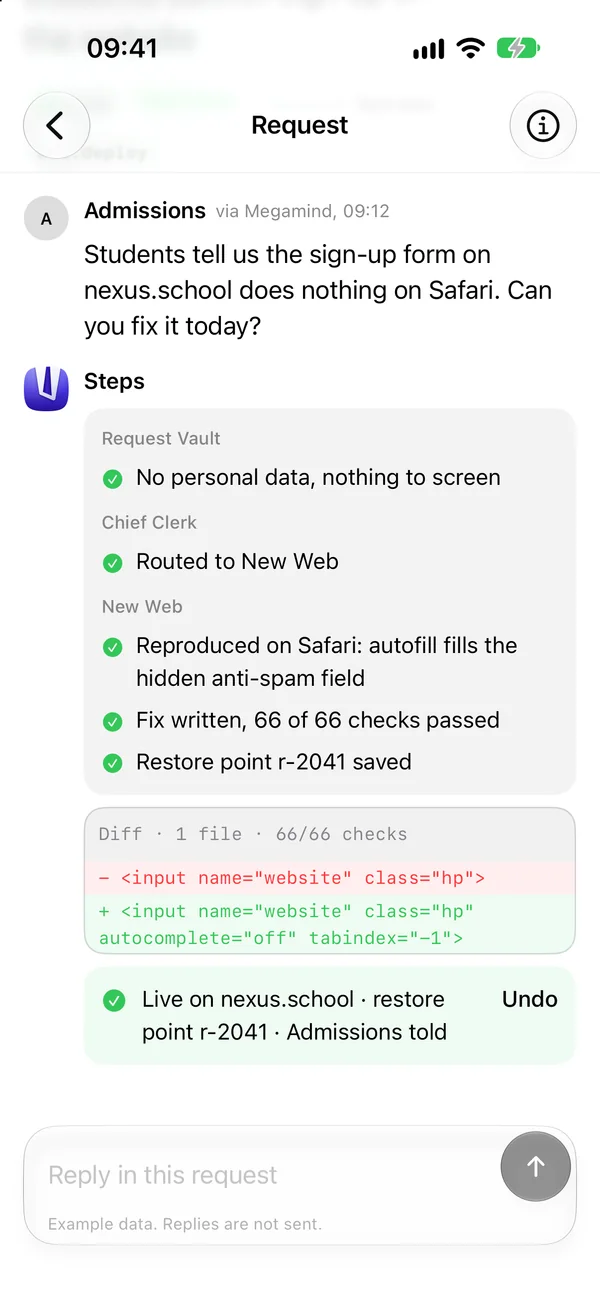
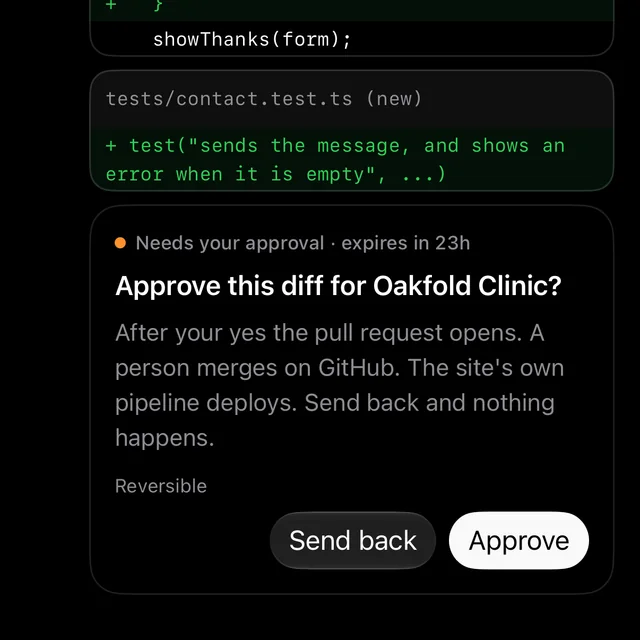 Get startedFix a client's contact formThe fix comes written and tested.
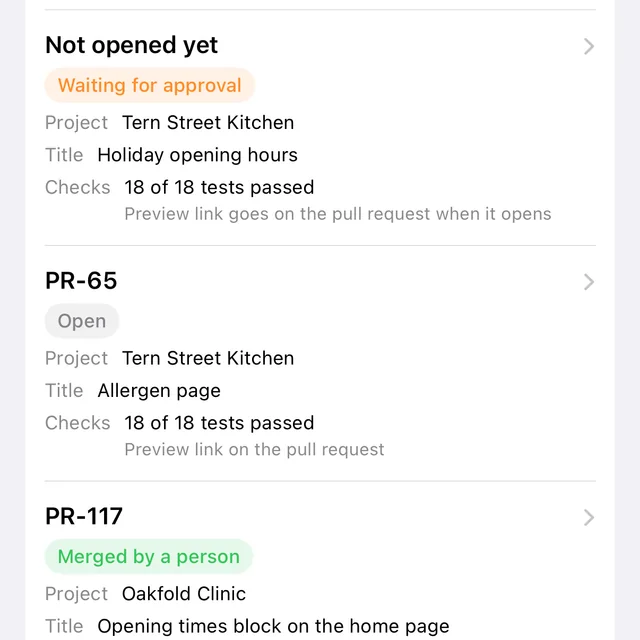
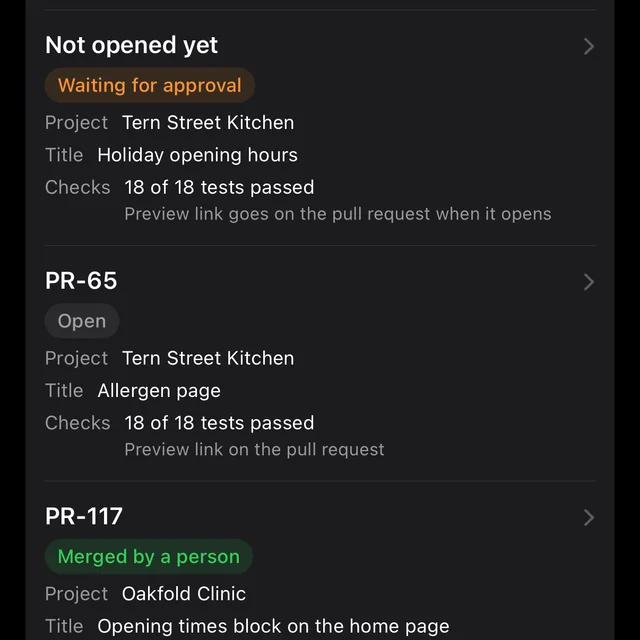 Your appsEvery release in one listWhat waits, what went live and what was put back.
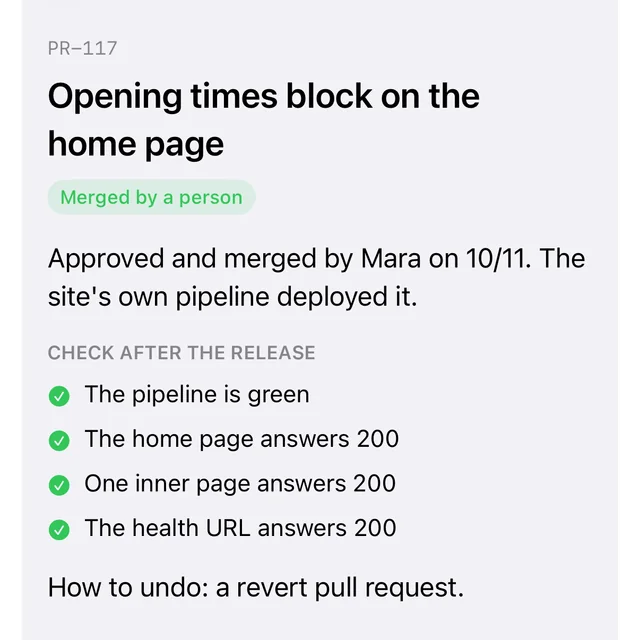
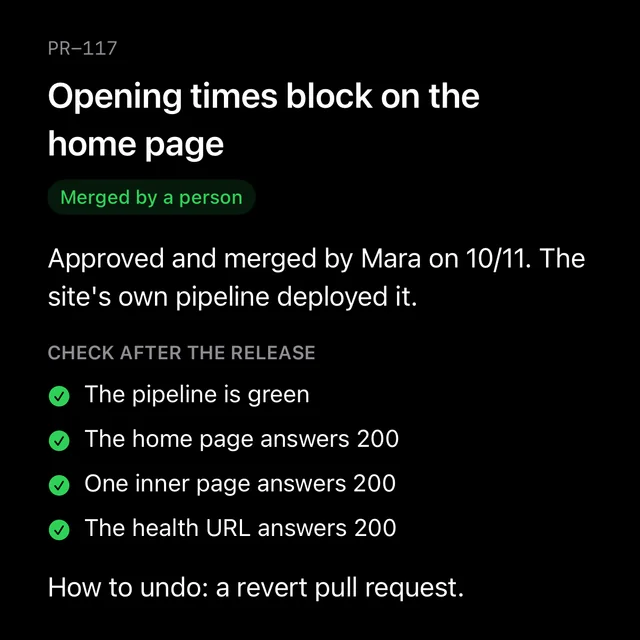 After it shipsChecked once it is liveThe site is tested again after every release.
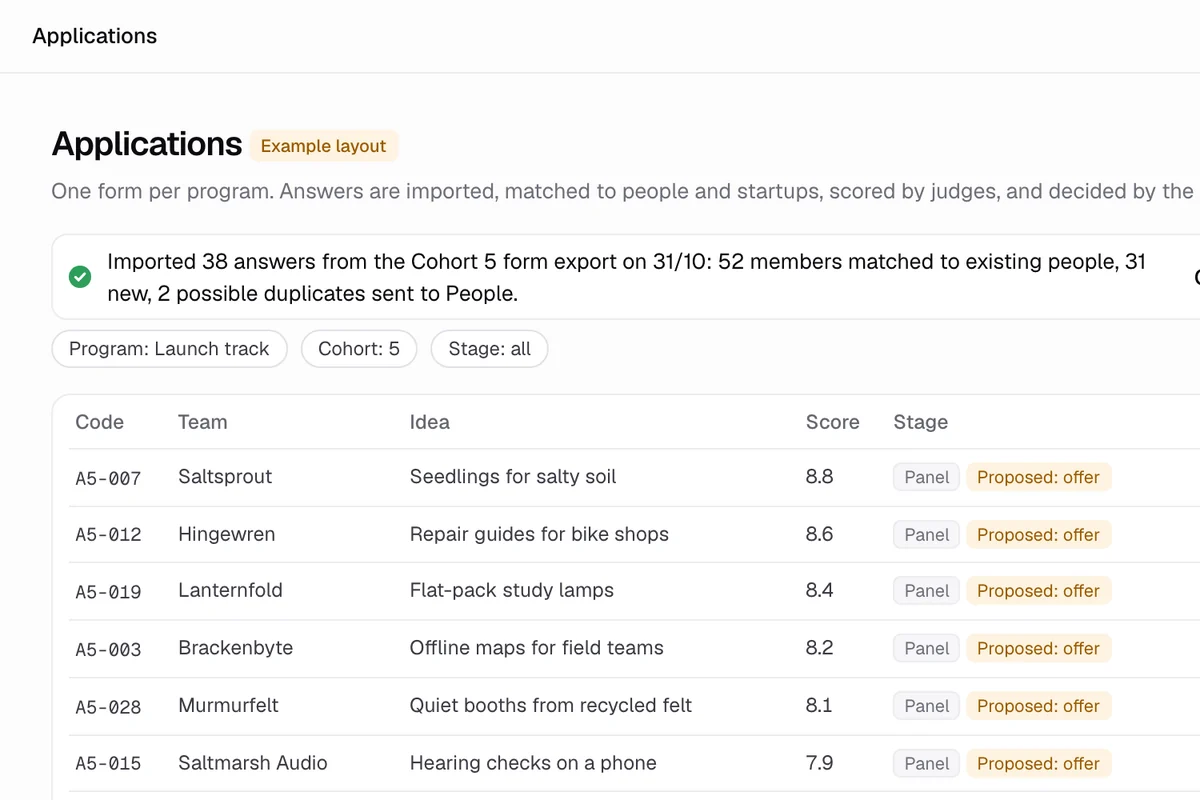
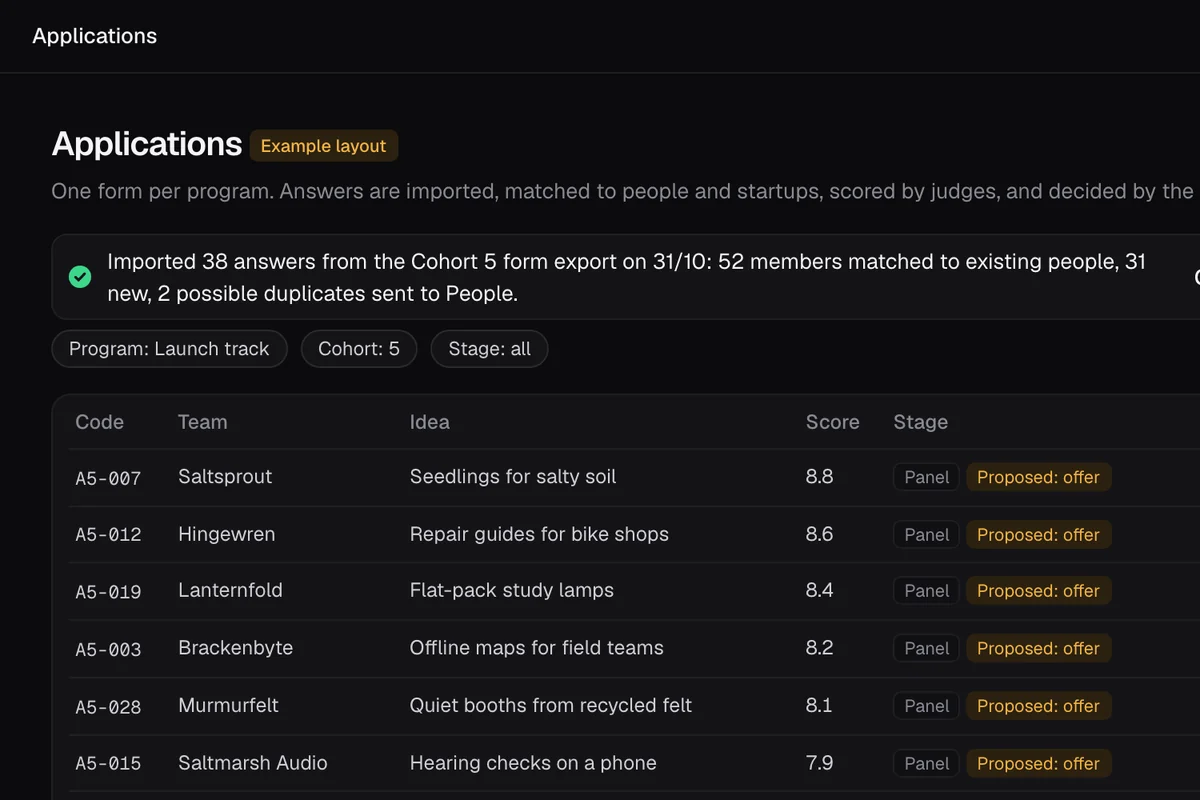
Put agents to work beside your university's systems.
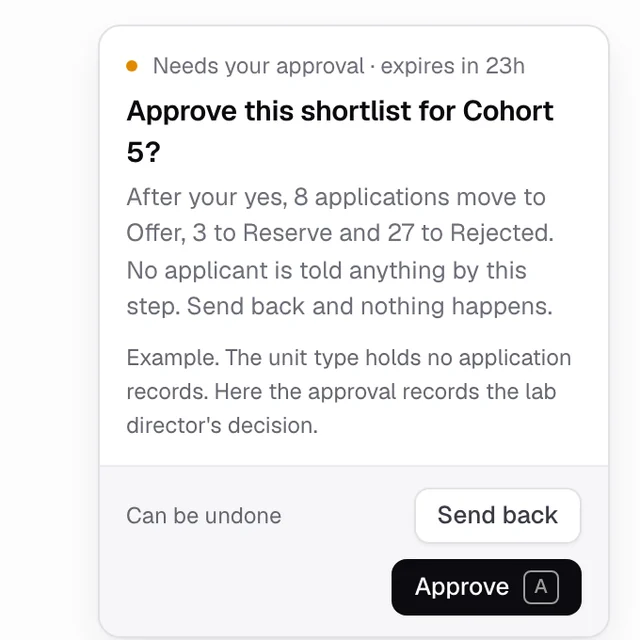
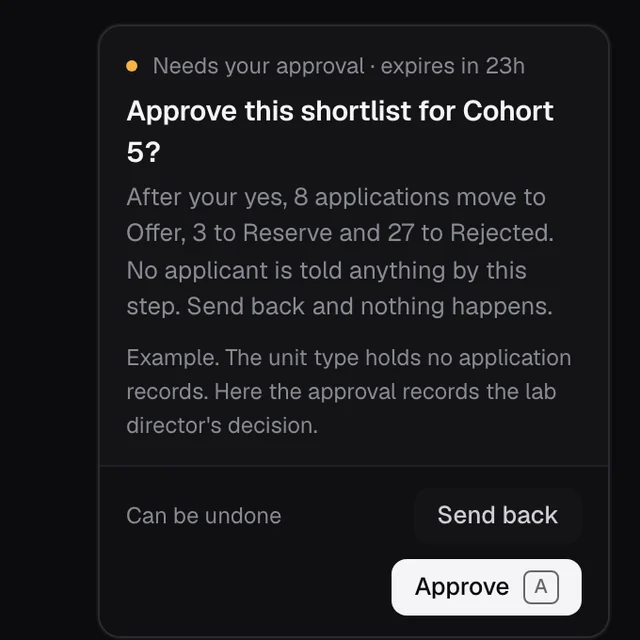 Get startedShortlist a cohortThe scores, ranked by the rubric.
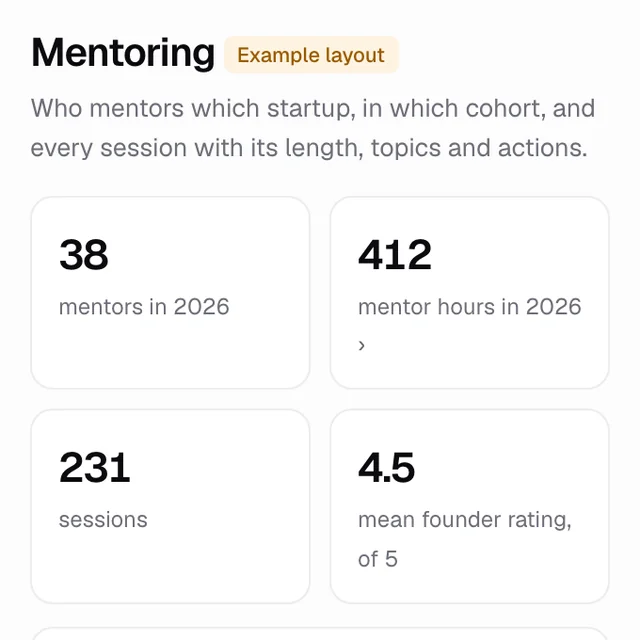
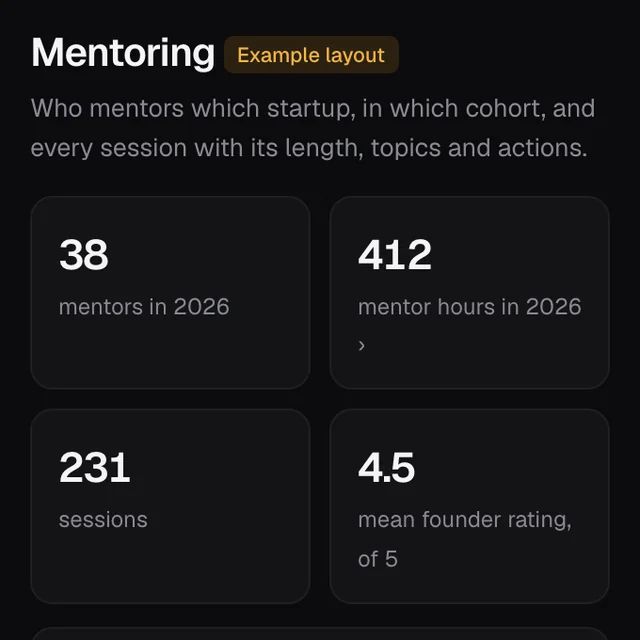 Your appsMentoring, counted for youEvery mentor, session and hour, per startup.
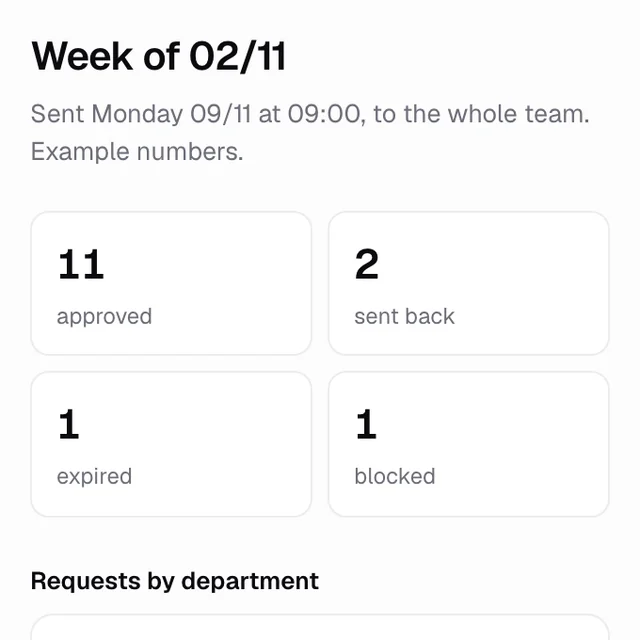
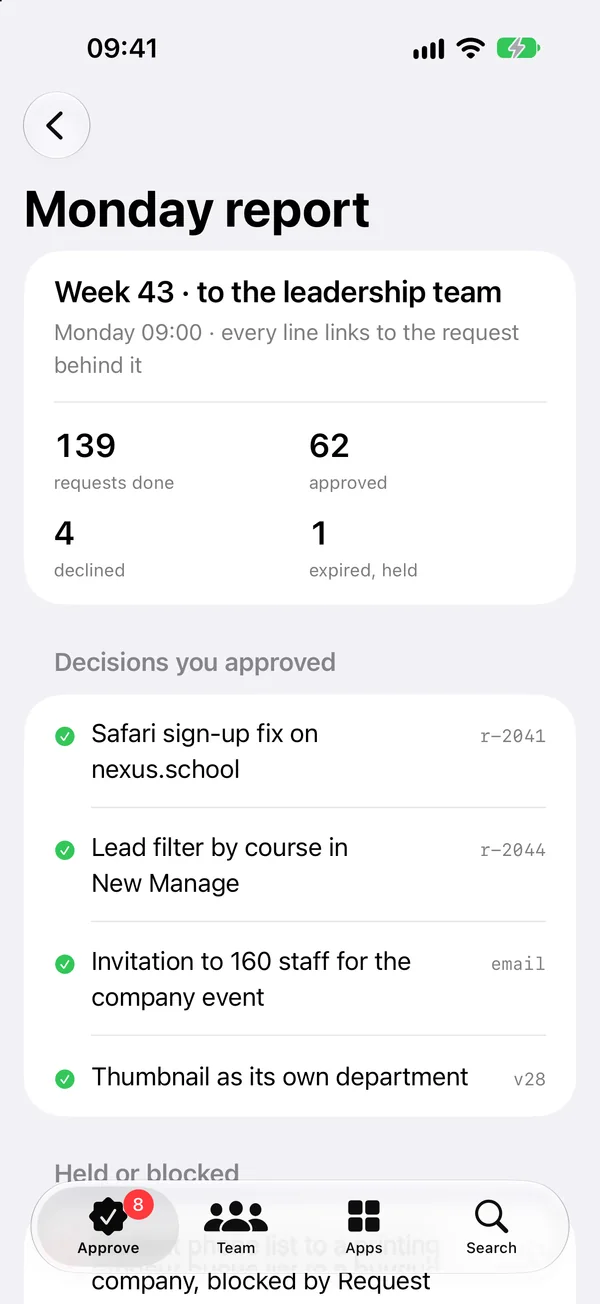
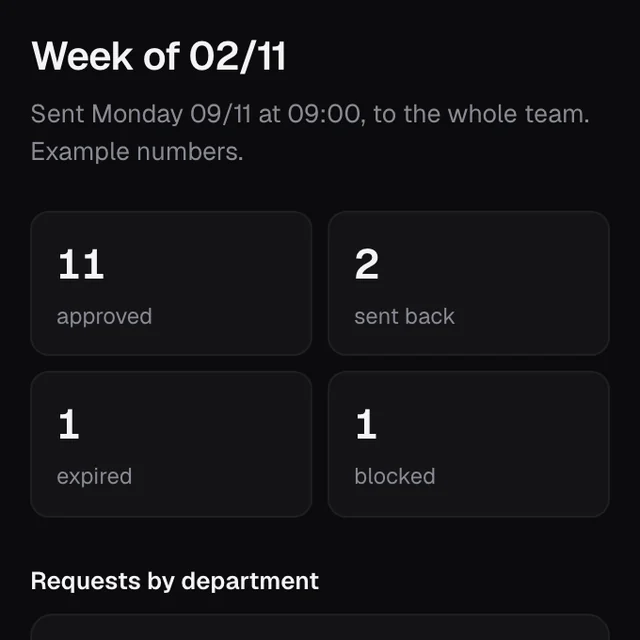 On recordYour week, every MondayWhat was decided and what went out, on one page.
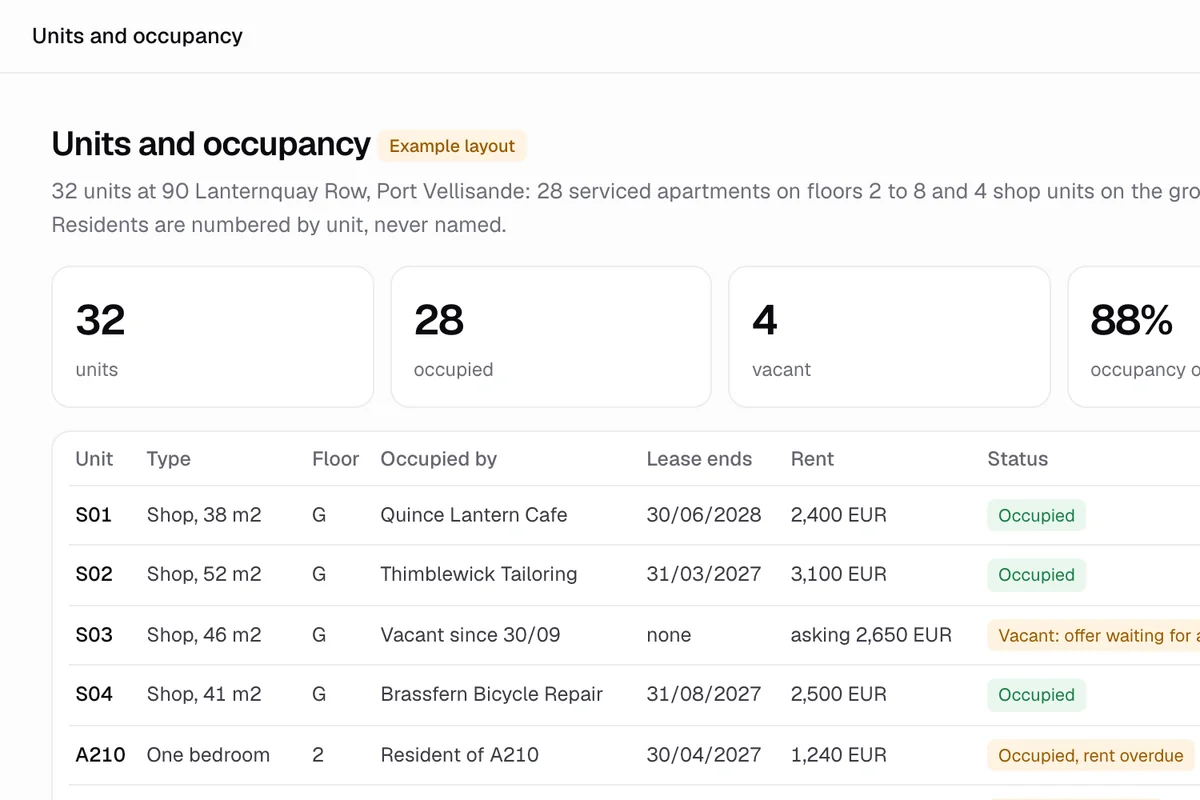
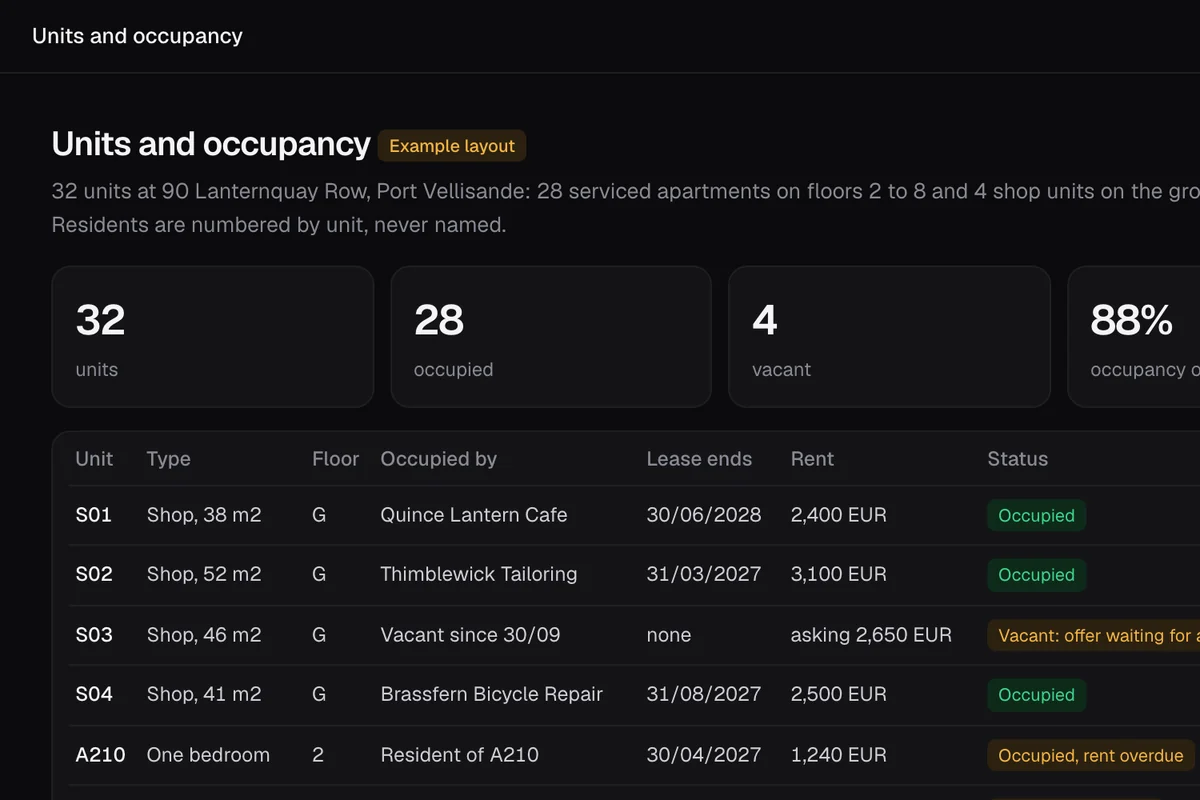
Agents prepare the work. The building manager says yes.
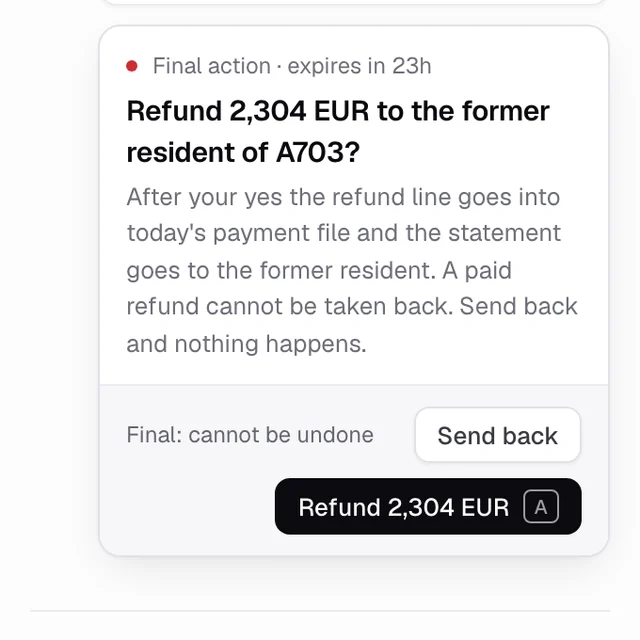
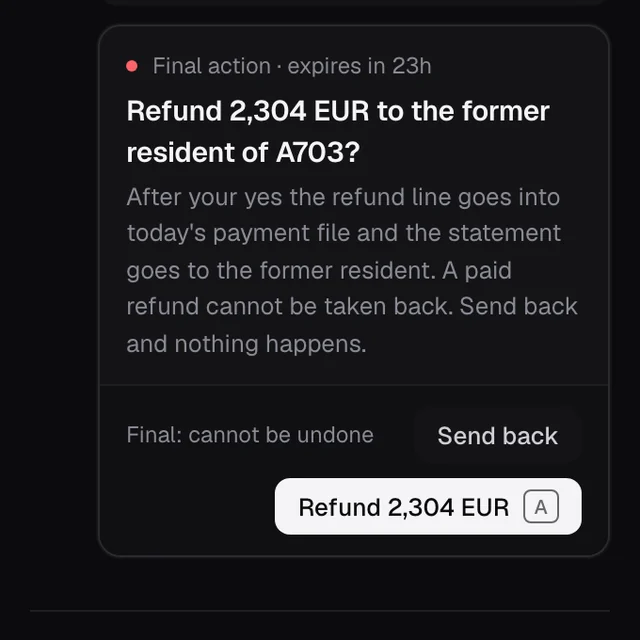 Get startedRefund a depositEach deduction comes from the handover record.
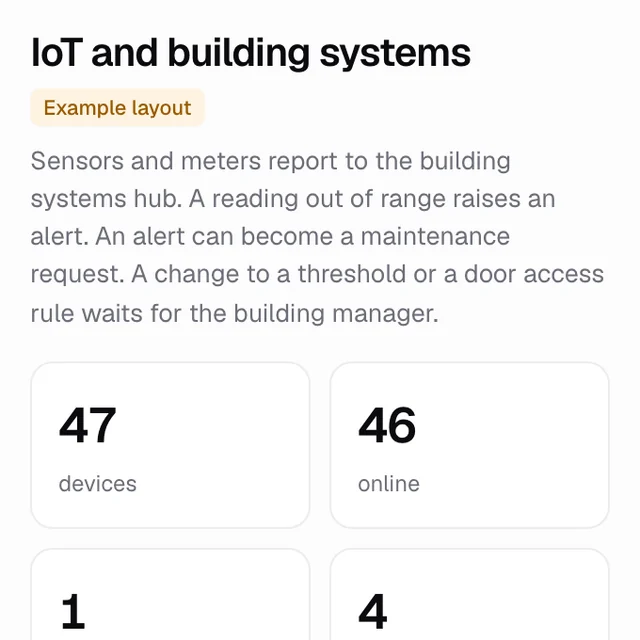
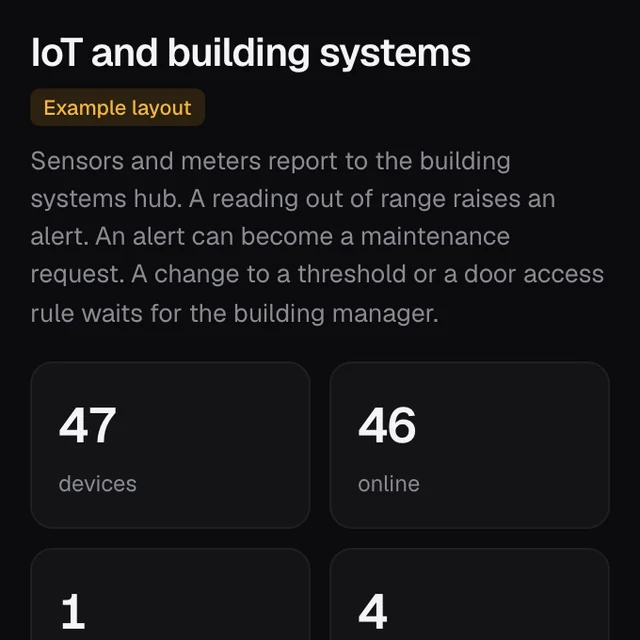 Your appsEvery sensor on one screenLeaks, lifts and doors, with what each alert became.
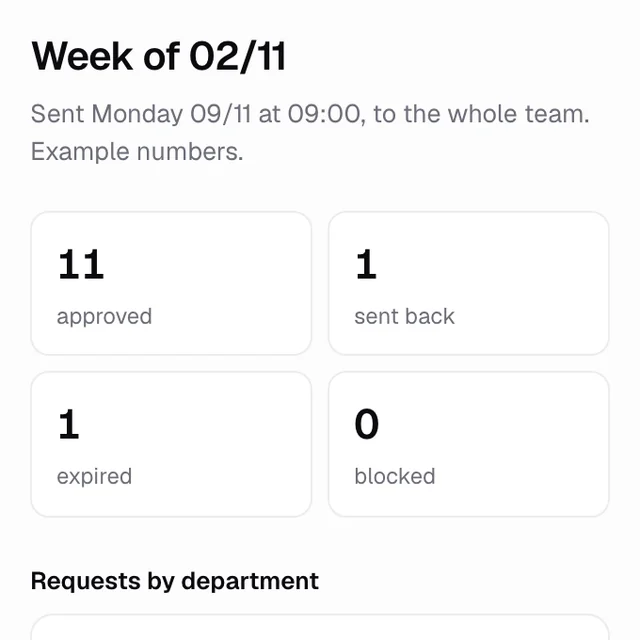
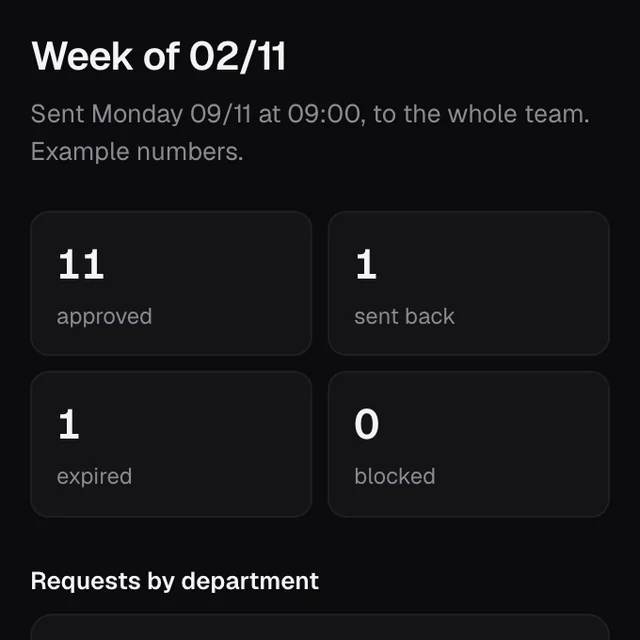 On recordYour week, every MondayWork orders, notices and refunds, counted for you.
Holding groups, banking and healthcare, each when it is ready.
Start from a template for your field. Then every request follows the same four steps.
Your app and its connections start from a template, set up with you. Together you define what agents may do. Reading comes first.
In n'clerk or a connected channel. Agents prepare the work. Nothing they read can start an action.
On your phone or at your desk, with the preview. No answer means it expires, and nothing happens.
Who asked, who approved, what changed. Your sponsor gets a report every Monday at 09:00.
No answer means no action. Nothing runs by default.
Agents begin by reading. Each action that changes something is added on purpose.
Emails and web pages are content to agents, never commands.
Accounts are by invite. Sign in on the device you approve from.
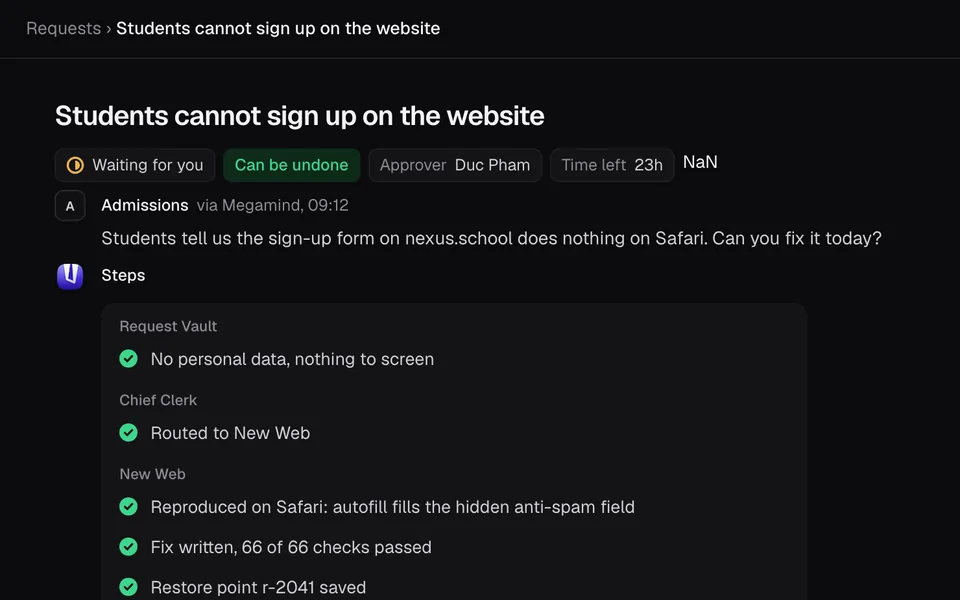
Every request arrives with its preview, whether it can be undone and the time left to answer.
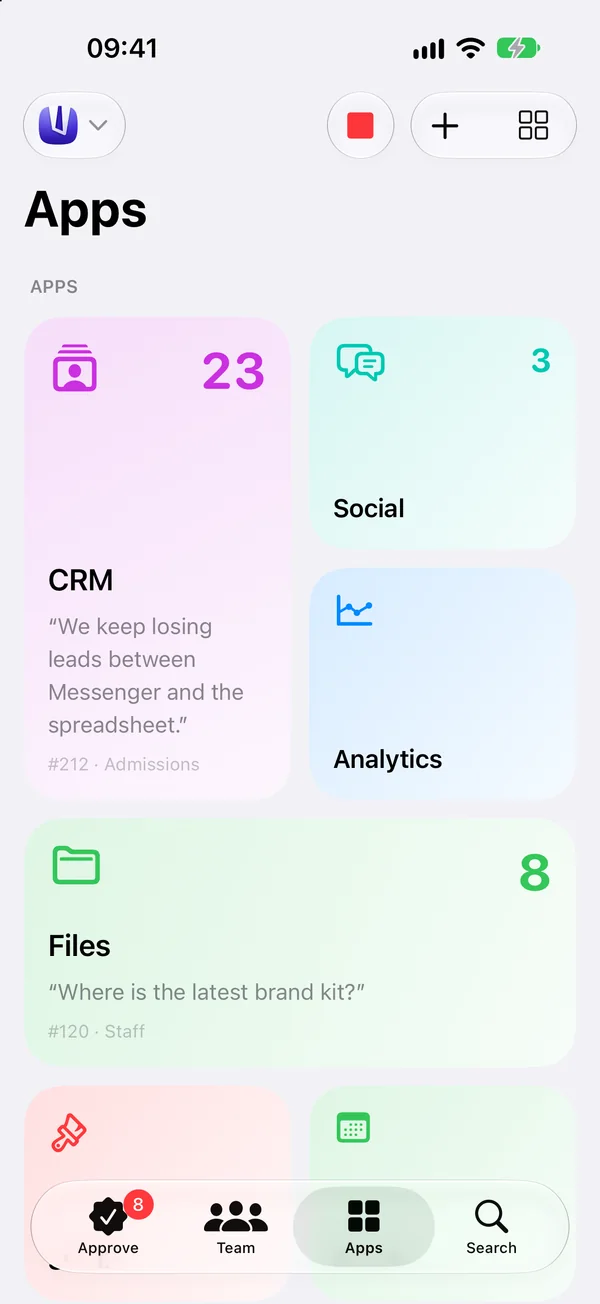
Example screens from the iPhone app in development. On Android, use the web app.
Assistants come connected to popular products. n'clerk connects to the systems your organisation built or commissioned. Ask in n'clerk or in a channel your partner connects. Anything that would change your systems or leave your organisation waits for a person's yes. See how n'clerk compares.
Your partner uses your API if there is one. If not, it adds a small internal API or a read-only view of the database. Working through the screen like a person is the last resort, and only on a staging copy.
Always a named person in your unit, never the one who asked. By default, one person approves everything. With two or more, split it by kind: the director approves anything sent in your name, the technical lead approves deploys.
In your own accounts. Your app's code is in your GitHub, it runs on your hosting, and every change goes through its own pipeline. n'clerk keeps the requests, the approvals and the record.
The iPhone app is in development. Today you approve in the n'clerk web app at nclerk.com/s, on any phone or computer. You can install it to your home screen.
You get a handover pack: every action and approval on record, the decisions, the documents and the connections built for your systems. The next team picks up where the last one left off.
A partner in your field looks at one system with you and tells you what it takes.