Members
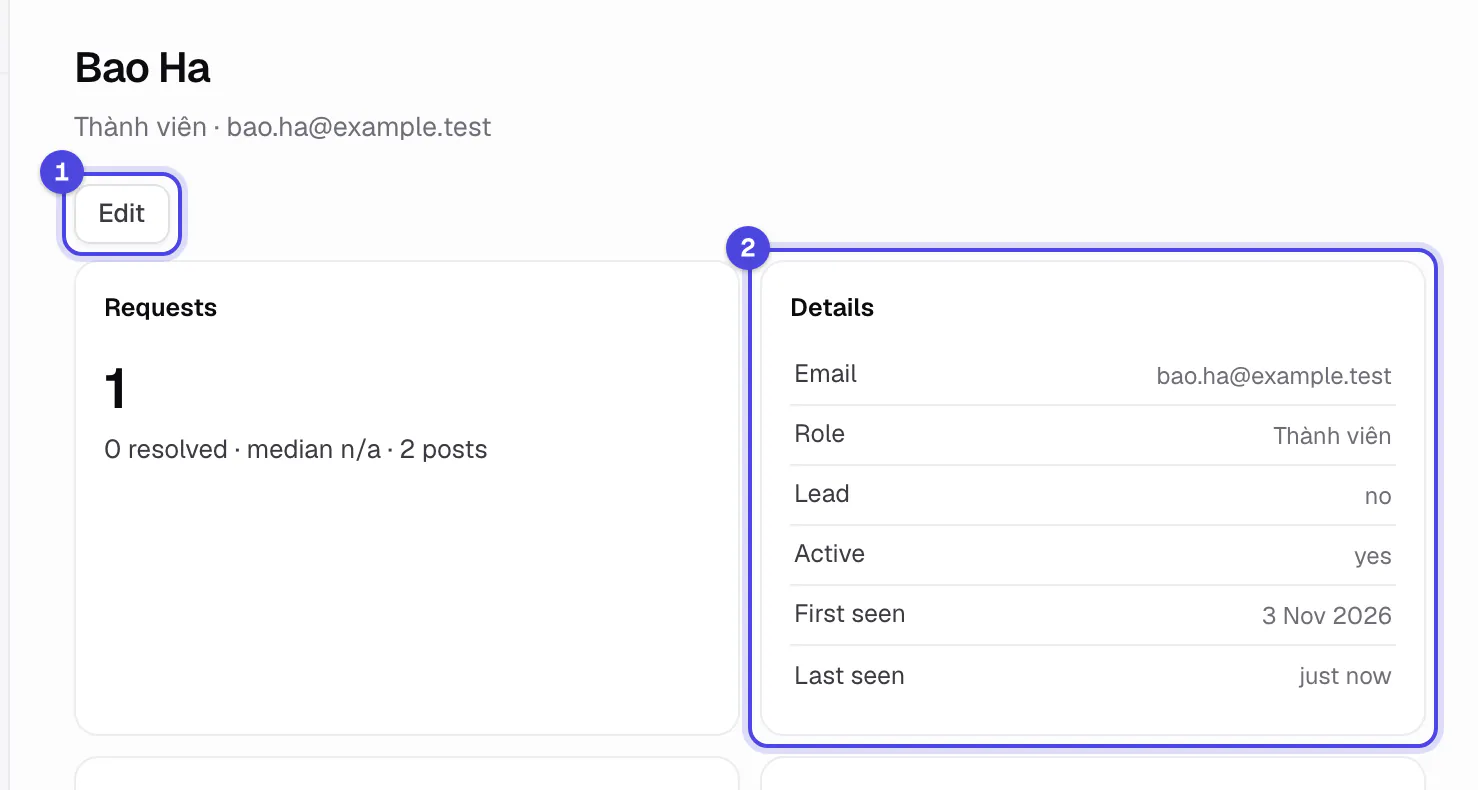
A unit's member list holds each person's name, role, email, whether they are a lead, and whether they are still active. The email is how the workspace knows who you are when you sign in, and who may decide an approval that names you.
People, in the Team view, lists the members, then everyone else who has signed in to the workspace. Each person has a profile with their details, their requests and the approvals they gave.
Signing in also needs an invite to n'clerk for that email. Being on the member list sets your role inside the workspace; it does not send an invite. Leads cannot send sign-in invites: the people who set up the unit do, so a lead who adds a member asks them to send one. See Getting started.
Who is a lead
- A member with the lead flag.
- The unit approver and the technical approver, whatever their lead flag says. Their profile says so.
Approvers
- The unit approver approves work sent in the unit's name, when the department has no approver of its own.
- The technical approver approves technical work, and deploys for a project with no lead of its own.
- A department's approver approves what that department sends.
- A project's lead approves that project's deploys, in workspaces with projects.
To change one, ask in plain words; it opens a change with a diff that a lead applies. The Lead view's Config tab shows who approves now. See Approve and decline.
Add and edit members
Leads manage members from People:
- On a member's profile, "Edit" changes their name, role, email, the lead flag and whether they are active.
- On the profile of someone who signed in but is not a member, "Add as a member" adds them.
- Each edit is recorded as a version at once.
A team member can read People but not change it.

When someone leaves
There are two ways:
- A lead turns off Active on their profile. They lose access at once.
- A request in plain words that the person is leaving opens a change. Applied, it marks them inactive, gives their approver roles to the unit approver, and asks whether their waiting work moves to the unit approver or is held. For now that answer is only recorded: approvals already waiting on them stay where they are, and any lead can decide them.
Someone who left can still sign in, but the workspace tells them it is closed to them. A lead can add them back.
Something here does not match what you see? Tell your CitiDev contact.